
When two businesses exchange documents like invoices, purchase orders, or shipment details, it’s rarely a simple copy-paste job. Behind every smooth B2B transaction lies something structured, standardized, and automated—a reliable EDI file.
If you’re exploring EDI for the first time or want a clearer understanding of how formats actually work, this guide breaks everything down in plain English.
As your trusted cleo cloud integration partner, we help teams navigate these file types every day through our integration, mapping, and cleo support services.
In This Guide
- What is an EDI File?
- Key Features of an EDI File
- How EDI File Formats Work
- How EDI Standards Work
- The 5 Most Common EDI File Format Standards
- How to Choose the Right EDI Solution
So… What Exactly Is an EDI File?
Think of an EDI file as the digital equivalent of your business documents—but organized in a universal language that two systems can instantly understand. No PDFs. No spreadsheets. No manual retyping.
An EDI file is a standardized, machine-readable format used to exchange business data automatically between partners. Its structure follows predefined rules so different systems—ERP, WMS, TMS, you name it—can read, validate, and process the data without human involvement.
In short:
EDI files move structured data between systems automatically, cutting delays, reducing errors, and keeping your transactions running smoothly.
Key Features of an EDI File
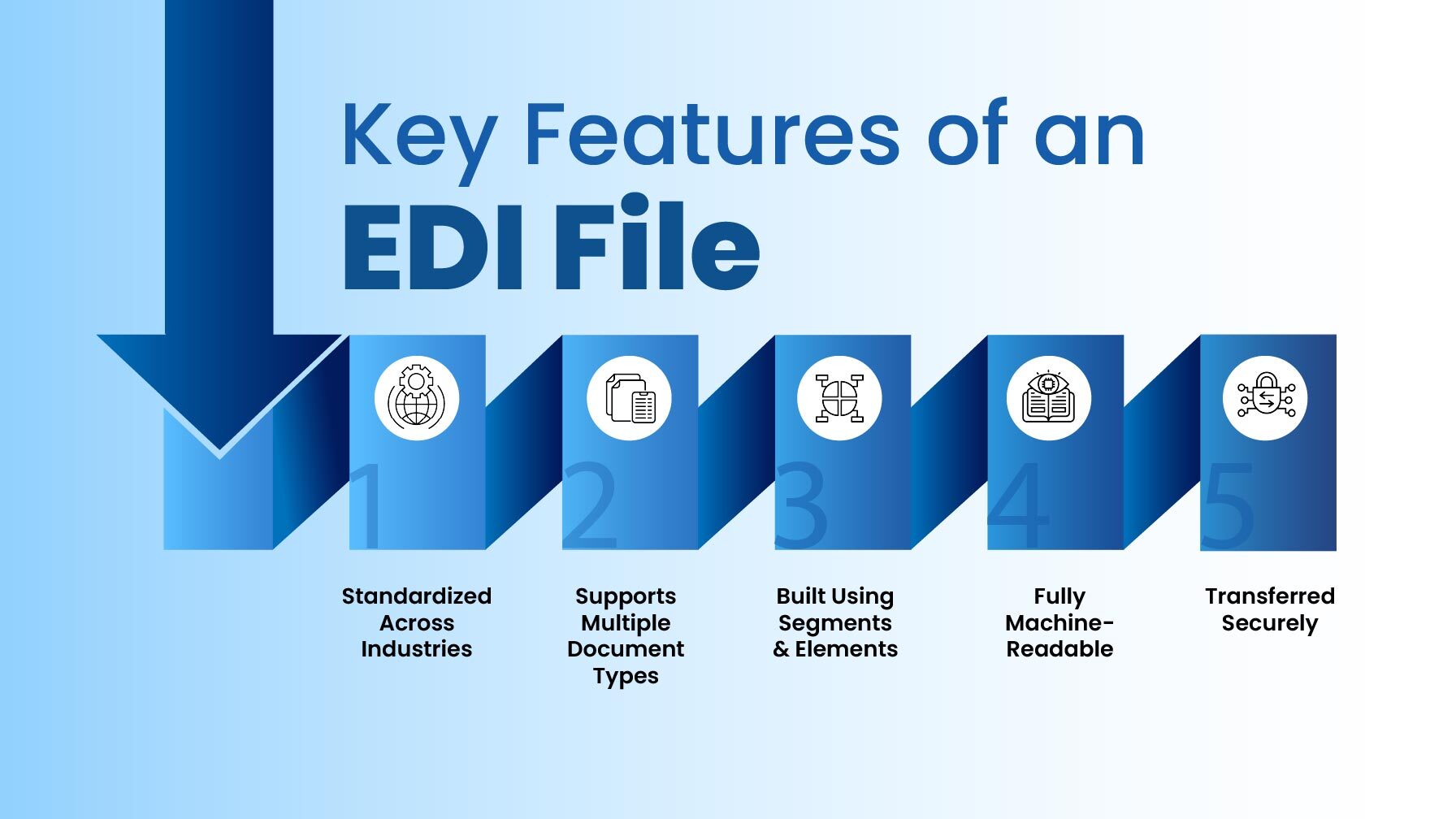
1. Standardized Across Industries
Whether you’re using ANSI X12 in North America or EDIFACT globally, each EDI standard defines:
- How the data should be arranged
- What every field means
- How systems interpret segments
2. Supports Multiple Document Types
Purchase orders, shipping notices, invoices, remittances—EDI files can represent nearly every transactional document your business needs.
3. Built Using Segments & Elements
- Elements: small data points (invoice number, price, date).
- Segments: groups of elements that form meaningful information.
- Transaction Set: multiple segments together form the full document.
4. Fully Machine-Readable
Designed so systems can automatically:
- Pick up files
- Validate the data
- Map it into your ERP or application
5. Transferred Securely
EDI files usually move through protocols like:
- AS2
- SFTP
- FTPS
…ensuring sensitive business data stays protected.
How EDI File Formats Work
At first glance, an EDI file might look like a jumble of letters, numbers, slashes, and characters. But under the hood, everything follows strict rules that ensure:
- Each element is in the correct position
- Each character has a purpose
- Every segment follows a predictable pattern
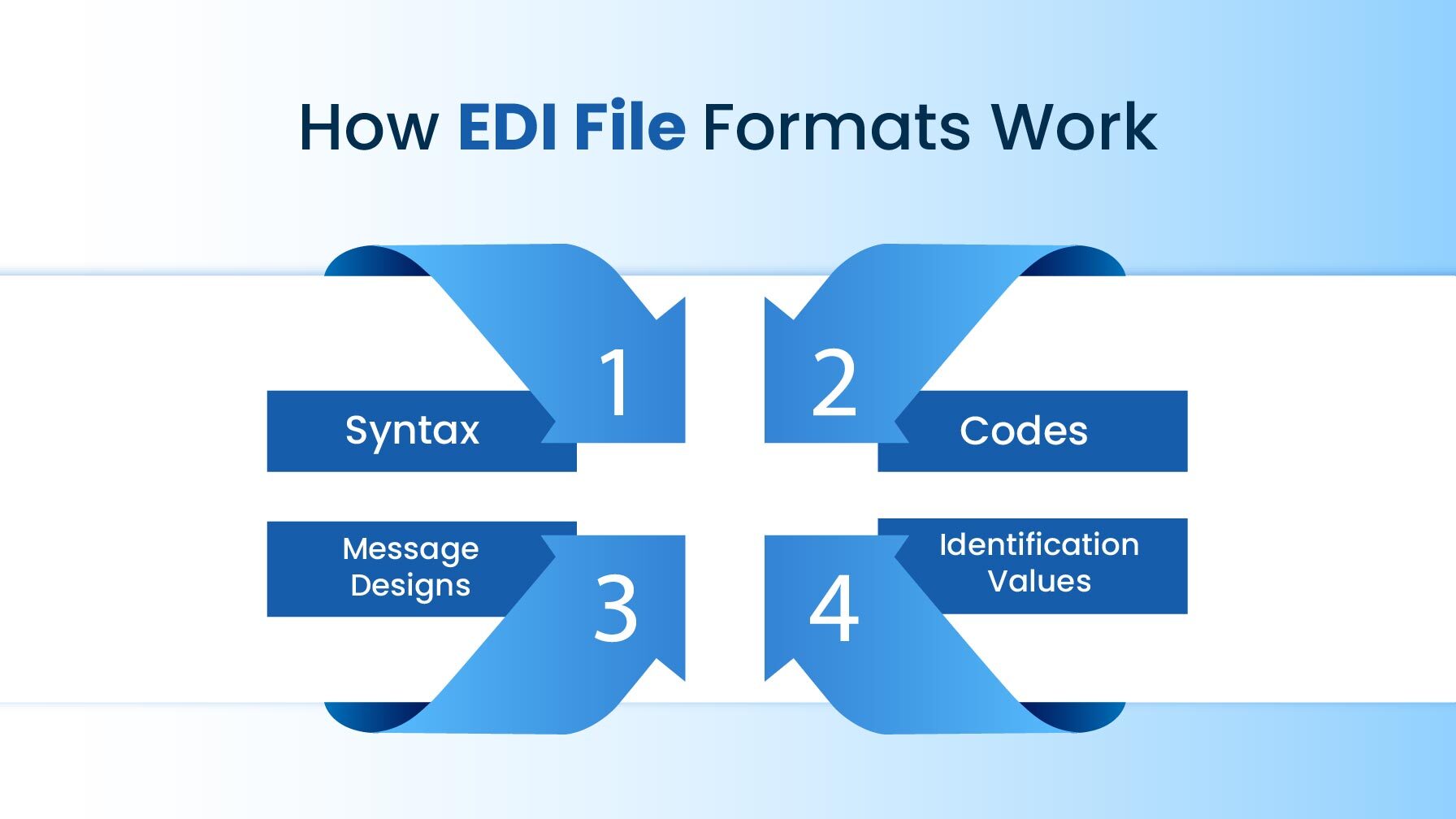
These standards follow four essential principles:
1. Syntax
Defines the characters, separators, and symbols allowed.
2. Codes
Uses universal codes to represent:
- Currency (USD, EUR)
- Countries (US, IN)
- Date formats (YYYYMMDD)
3. Message Designs
Each document—Invoice, Purchase Order, ASN—has a blueprint.
4. Identification Values
Systems use position or separators to understand where each data point belongs.
Together, these allow any EDI-enabled system to interpret business information accurately.
Core Building Blocks of EDI Standards
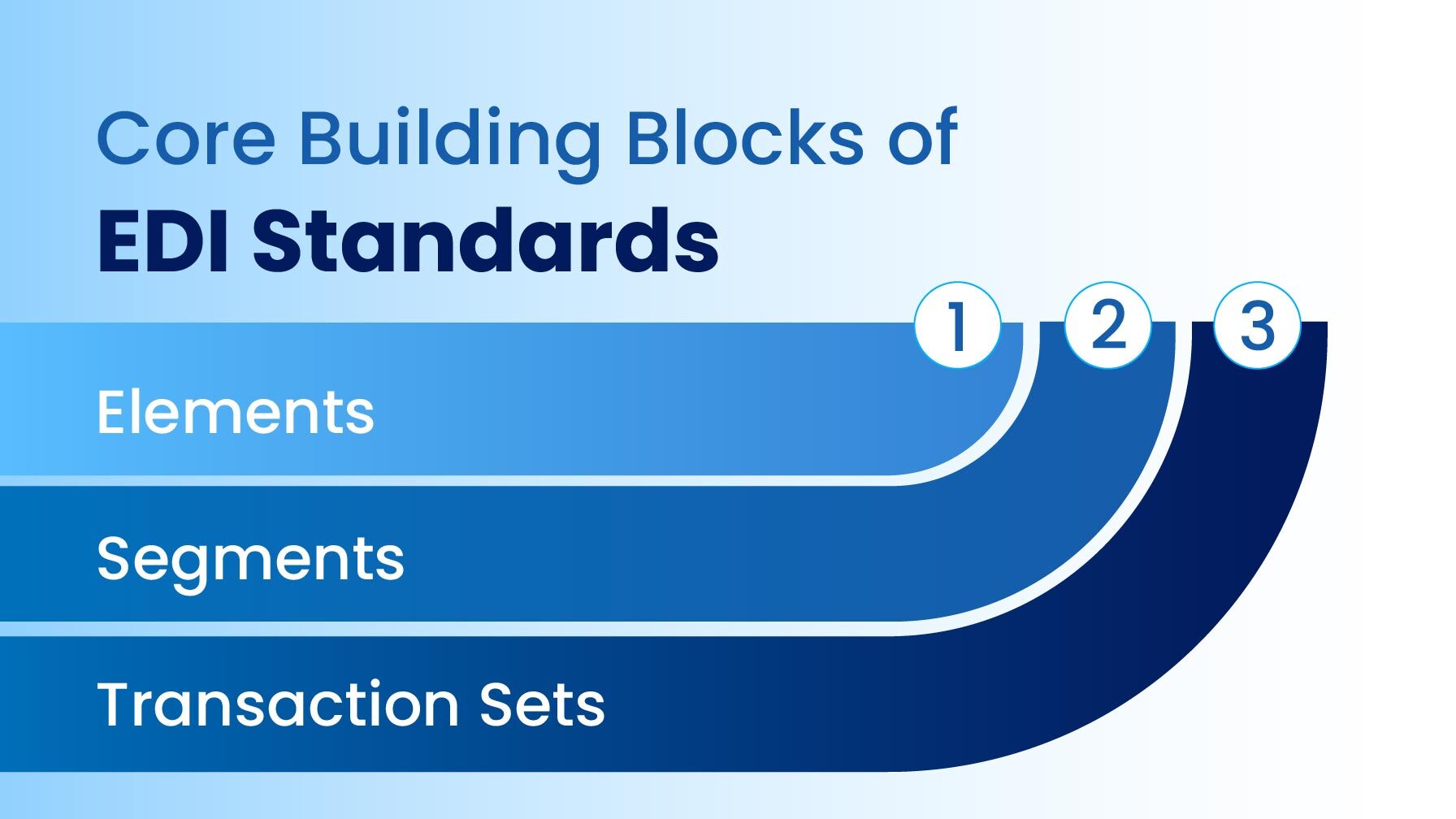
Every EDI standard—regardless of region or industry—is built on the same 3 components:
1. Elements
The smallest units of data (“50”, “INR”, “ITEM123”).
2. Segments
Groups of elements conveying a specific meaning
(e.g., “50 units of ITEM123 at ₹200 each”).
3. Transaction Sets
Complete documents like:
- Invoice (810)
- Purchase Order (850)
- Advance Ship Notice (856)
Each standard is like a language—same purpose, different grammar.
The 5 Most Common EDI File Format Standards
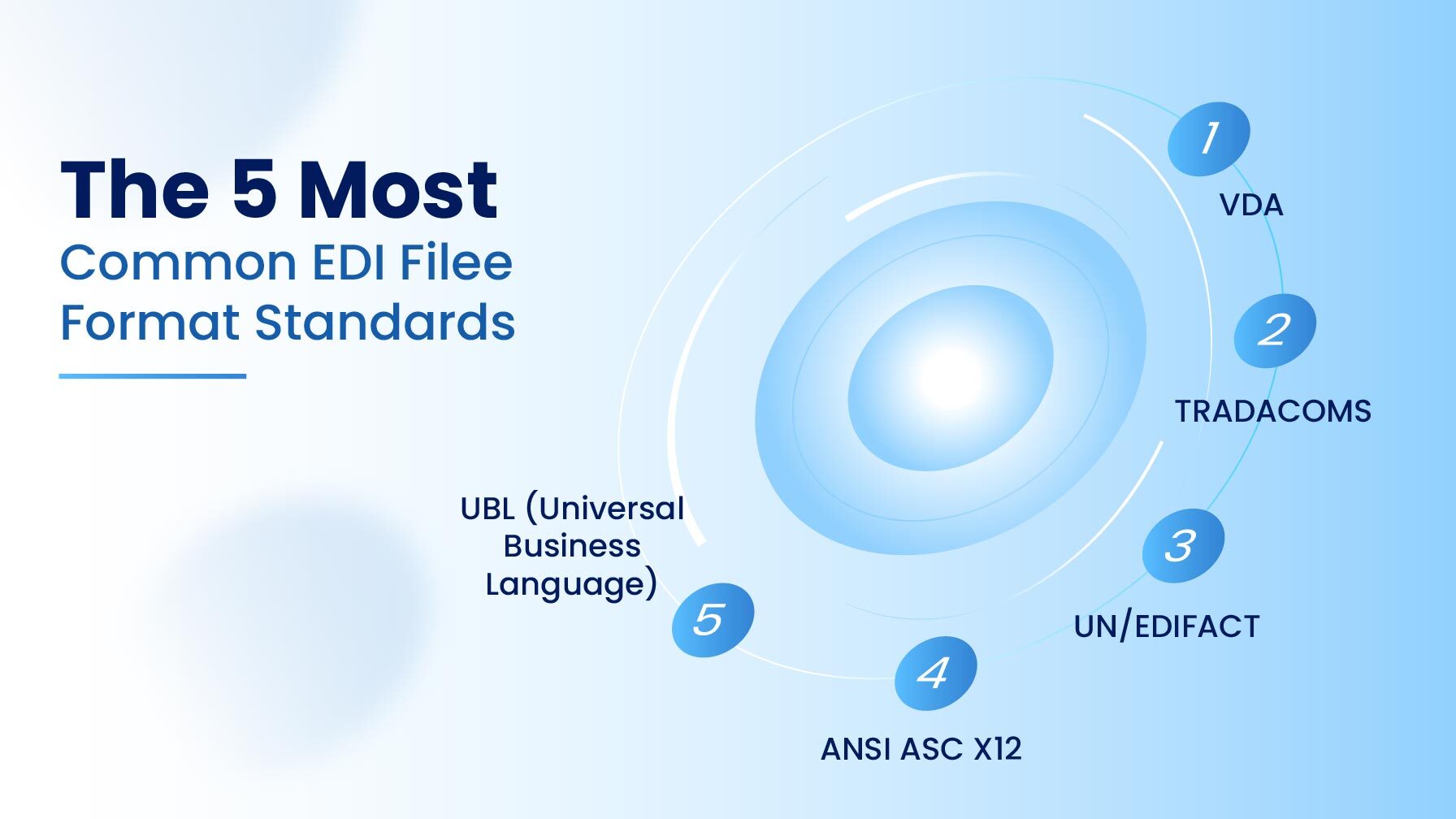
1) UN/EDIFACT
The global standard outside North America.
Used across:
- Logistics
- Retail
- Transportation
- Automotive
Common message codes include:
- ORDERS – Purchase Orders
- INVOIC – Invoices
- DESADV – Dispatch Advice
Structure includes:
UNA → UNB → UNG → UNH → UNT → UNE → UNZ
2) TRADACOMS
Mainly used in UK retail and domestic trade.
Common message segments:
- STX – Start
- MHD – Message Header
- MTR – Trailer
- END – End of Interchange
Still used by some legacy retail partners.
3) ANSI ASC X12
North America’s dominant EDI standard.
Popular documents:
- 810 – Invoice
- 850 – Purchase Order
- 856 – ASN
- 940/945 – Warehouse Docs
Industry-specific subsets include:
AIAG (Automotive)
HIPAA (Healthcare)
CIDX (Chemicals)
PIDX (Petroleum)
Core segments:
ISA → GS → ST → SE → GE → IEA
4) VDA
Used by the German automotive industry.
Key features:
- Fixed-length format
- No separators
- Rigid structure
Example document:
4905 – Delivery Forecasts
Many companies are transitioning from VDA → EDIFACT.
5) UBL (Universal Business Language)
XML-based EDI standard gaining huge traction in the EU.
Advantages:
- Human-readable
- Compliant with EU e-invoicing mandates
- Supported by PEPPOL networks
Now includes 80+ document types across procurement, logistics, and sourcing.
Choosing the Right Solution for Your EDI Files
Most teams know why EDI matters—but not everyone feels confident managing mapping rules, partner guidelines, or different EDI standards. That’s where modern cloud platforms and the right implementation partner make all the difference.
With a strong cleo cloud integration partner like Globus Systems, you get:
- Seamless integration with your ERP and business apps
- Expert mapping & onboarding
- Faster partner go-lives
- Scalable workflows
- Reliable cleo support when you need it
Cleo Integration Cloud helps businesses:
✔ Accelerate partner onboarding
✔ Handle new mapping & integration requirements
✔ Scale with demand
✔ Improve order accuracy
✔ Boost revenue through automation
If you’re planning to modernize your EDI operations, streamline manual touchpoints, or migrate to Cleo—our team at Globus Systems can guide you through every phase.
